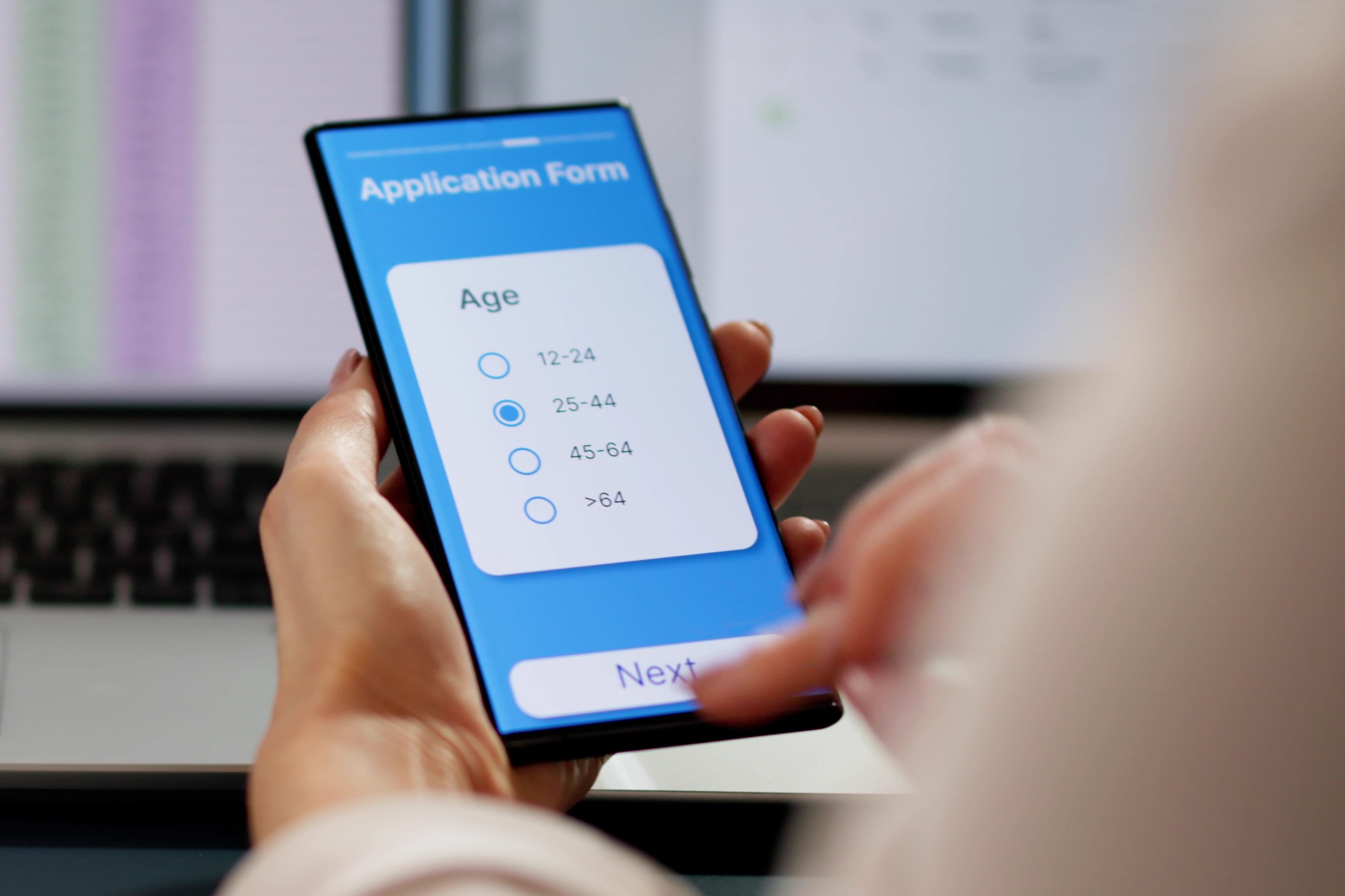
Generic online forms are useful because they make it easy to collect information. For a simple survey, contact request or one-off questionnaire, that may be all an organisation needs. Event operations introduce a harder requirement: the answers must stay connected to the right guest, participant, ticket and workflow.
That is the central difference between generic online forms and dynamic forms built into an event project management platform.
A generic form usually creates a response table. The event team sends a link, respondents enter their details and the answers appear in a spreadsheet or form dashboard. Basic conditional logic may be available, but the form remains a separate system.
The separation creates practical questions. Has every ticket holder completed the form, or only the purchaser? Which “Sam Williams” in the responses matches the registration list? Has a changed answer been copied into the check-in sheet? Did the waiver response relate to the correct event and category? Who is permitted to view sensitive fields?
Teams often resolve these questions manually by exporting files, matching names, using lookup formulas and maintaining status columns. The form may be free or familiar, but the reconciliation has a labour cost.
Dynamic event forms are designed around the person-event relationship. They can present questions according to ticket type, participant category or previous answers, then keep the completed information linked to the appropriate record.
That enables several operational advantages:
-
different participant types can receive different questions;
-
required information can be identified before arrival;
-
form status can be checked against registration status;
-
updates can flow into event preparation and check-in; and
-
repeated events can reuse a proven structure.
For example, an adventure race organiser may need a waiver from every participant, not simply from the team captain who purchased the entries. A generic form can ask for the waiver, but the organiser still has to match each response to the roster. An integrated dynamic form can make individual completion part of the registration workflow.
Data governance matters too
Event forms may contain dietary, accessibility, emergency or medical information. Collecting that data across separate forms, spreadsheets and email attachments can expand the number of copies and places that require access control.
The Office of the Australian Information Commissioner notes that Australia’s privacy principles address collection, notification, use, data quality, security, access and correction. The right solution does not remove an organiser’s obligations, but a more deliberate system can support clearer ownership and reduce unnecessary copying.
Organisations should still collect only what they need, explain why it is required and
configure access and retention in line with their circumstances and professional advice.
Choose according to
operational consequence
The best test is not, “Can this form ask the question?” Almost any form builder can do that. Ask instead: “What needs to happen with the answer?”
If the response will simply be reviewed once, a generic form may be entirely appropriate. If it determines whether somebody can participate,changes a supplier requirement, affects a start list, triggers a follow-up, or must be checked at arrival, integration becomes much more valuable.
Circolo’s Dynamic Forms sit within the same environment as ticketing, participant or guest records, planning and event delivery. That allows form data to contribute to the operation rather than becoming another file to manage. For complex events, the difference is not a more attractive questionnaire. It is fewer manual joins, clearer completion status, lower operational risk and a smoother experience on the day.
Sources: Office of the Australian Information
Commissioner, Australian
Privacy Principles and Collection
of personal information.